
1. Find all Math Lessons
BCMath.ca contains hundreds of ready-to-use PowerPoint lessons for Grades 8–12. You can access every course directly from the top-right banner menu on any page.
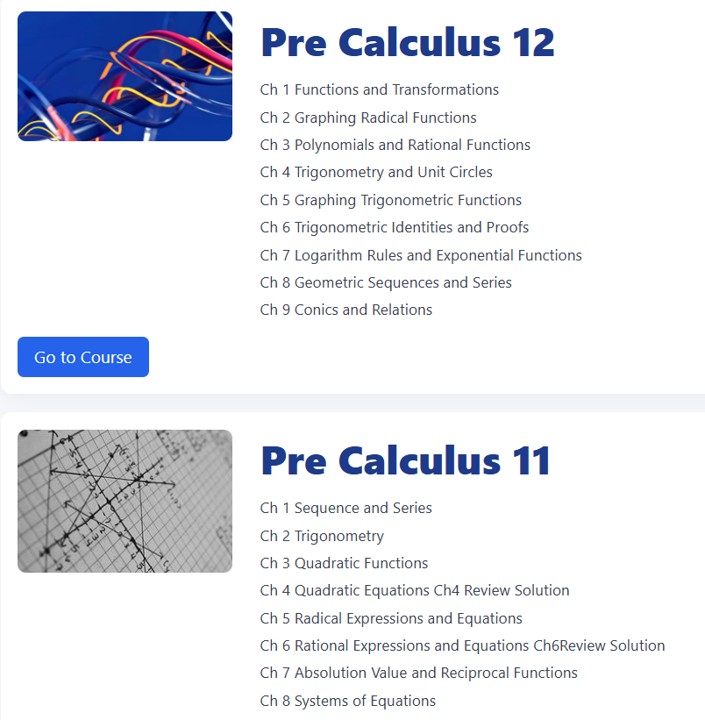
2. Choose Your Course and Chapter
Navigate to the math course you are teaching and scroll to the chapter you need. Each course page clearly lists all chapters in order. Simply click the course and chapter you want.

3. Download the Powerpoints
Scroll to the bottom of any chapter page to find links to all PowerPoint lessons. You can download and use every lesson for the corresponding chapter.

4. Teach & Customize
After downloading a PowerPoint, you are free to edit or modify the lesson to suit your classroom. When ready, press F5 to present the lesson directly to your class.